
What your tax preparer wishes you'd hand them
It's one tab. That's it.
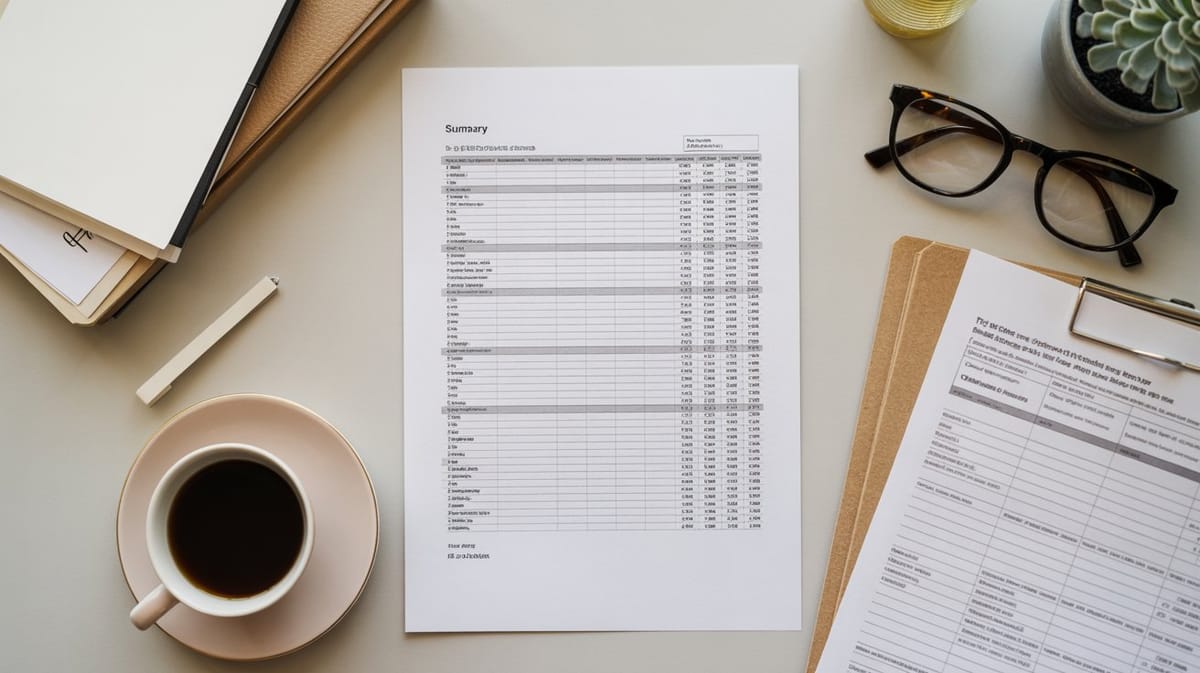
I had coffee with a CPA friend last week. Tax season war stories, as you do in March. I asked her what the single biggest time-waster is when small business clients come in to file.
Her answer: "They hand me a shoebox. Or worse, they hand me a login to QuickBooks and say 'it's all in there somewhere.'"
What she actually wants is one page. One summary. Total income at the top, then expenses broken out by Schedule C category, with a total at the bottom. That's it. If you hand your preparer that, you've just saved them two to three hours of sorting — which, at $150 to $250 an hour, saves you real money.
The irony is that building that summary isn't hard. If you've been categorizing expenses using Schedule C line items all year, the summary is just totals. Add up advertising. Add up insurance. Add up office expenses. One number per category. If you know your way around SUMIFS, the whole summary tab builds itself.
Here's what the summary should include: your total gross revenue, cost of goods sold if applicable, and then a line for each Schedule C expense category you used during the year. The 20 categories cover everything from car expenses to utilities. Most freelancers use 8 to 12 of them.
If you haven't been categorizing as you go, this is the year to start. Set up the system now and by December you'll have a clean summary ready to hand over. The 15-minute Friday habit I talked about a few weeks ago — reviewing the week's transactions and dropping them into the right category — is what makes this possible.
And here's a question worth asking yourself: are you using Excel or Google Sheets? Either works. But if you're on the fence, last week's breakdown can help you decide.
Both of my Gumroad tools are built around this exact workflow. The Revenue & Expense Tracker Pro ($29) has a Schedule C Summary tab that auto-calculates every category total — that's the tab you print and hand to your preparer. The Freelancer Business Starter Kit ($39) adds an invoice template and proposal template on top of that if you need the full package.
Either way, the system is the same: enter expenses weekly, categorize as you go, and let the formulas build the summary your preparer actually wants.
One tab. That's the goal.
Until next Tuesday, Eban