
The spreadsheet formula I use more than any other
Tax season gets all the attention in February, but the thing that actually keeps a small business running month to month is knowing where you stand financially — right now, not three months from now when your accountant tells you.
The formula I use more than any other isn't VLOOKUP. It isn't a pivot table. It's SUMIFS.
SUMIFS lets you add up numbers based on multiple conditions. That sounds boring until you realize what it actually does for a small business: it lets you answer questions like "how much did I spend on software in January" or "what was my total revenue from Client X in Q4" without rearranging anything. The data stays where it is. The formula does the work.
Here's a simple example. Say you have an expense log with three columns: date, category, and amount. To get your total office supply spending for January:
=SUMIFS(C:C, B:B, "Office Supplies", A:A, ">="&DATE(2026,1,1), A:A, "<="&DATE(2026,1,31))
Column C is your amount. Column B is your category. Column A is your date. The formula says "add up every amount where the category is Office Supplies AND the date falls in January." Done.
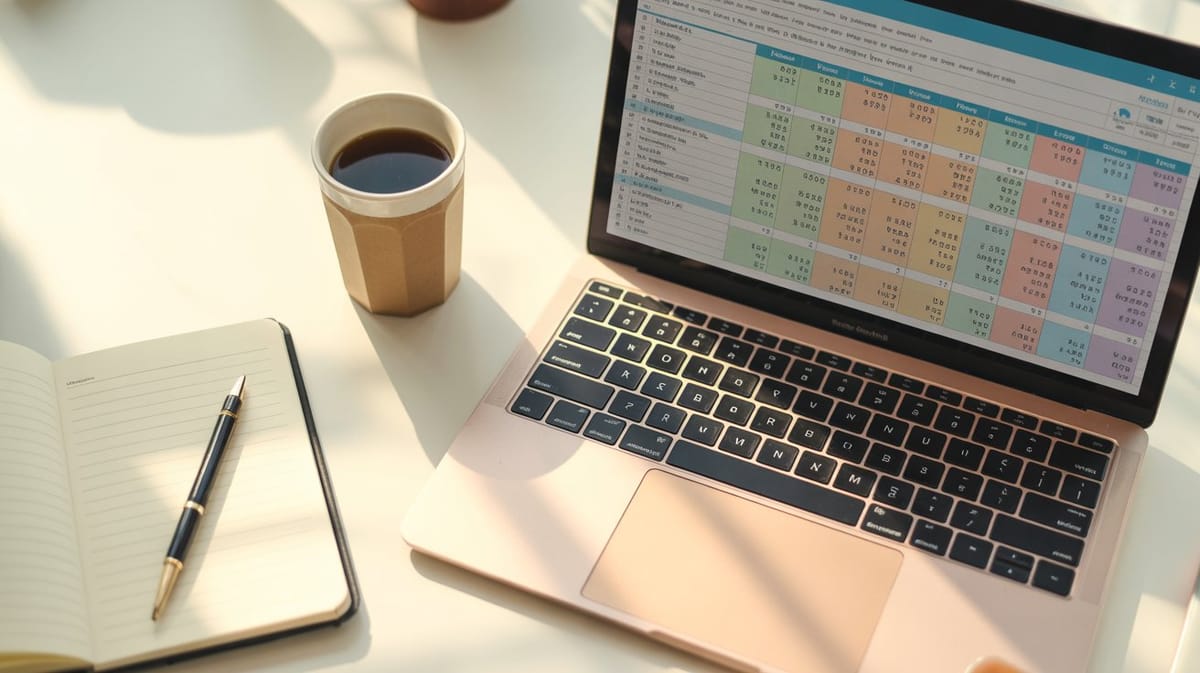
Now here's where it gets powerful. Stack a few of these on a summary tab and you've got a real-time financial dashboard. One row per Schedule C category, one column per month, each cell pulling totals from your expense log automatically. No manual re-sorting. No copying and pasting at the end of the month. You enter your expenses as they happen, and the summary tab stays current.
If you're not sure which Schedule C categories to use, I broke down all 20 of them a couple weeks ago — here's the full walkthrough. The categories that trip people up most are Cost of Goods Sold, Home Office, and the dreaded "Other Expenses" catch-all. Get those right and the rest falls into place.
The mistake most people make is building their tracker without this summary layer. They end up with a long list of transactions and no way to see the big picture without scrolling through hundreds of rows. SUMIFS is what turns a transaction log into a decision-making tool. I go deeper into the full system — the weekly habit, what to track, and why you probably don't need accounting software — in this post on tracking expenses without an accountant.
If you want to see SUMIFS in action without building it yourself, my Small Business Revenue & Expense Tracker Pro ($29) uses it across 161 formulas to build a dashboard that updates the moment you enter a new transaction. The Schedule C summary tab is basically a wall of SUMIFS — and it's the tab you'll hand your tax preparer when filing time comes.
Or if you need the tracker plus invoicing and proposals in one bundle, the Freelancer Business Starter Kit ($39) has everything.
A couple of resources if you're building your own: this mileage log is worth keeping in your car if you drive for business — $6 beats reconstructing trips from memory. And if your receipt situation is chaos, a simple accordion organizer on your desk goes a long way.
One formula. That's the difference between a spreadsheet and a system.
Until next Tuesday,
Eban