Excel vs Google Sheets — honest take
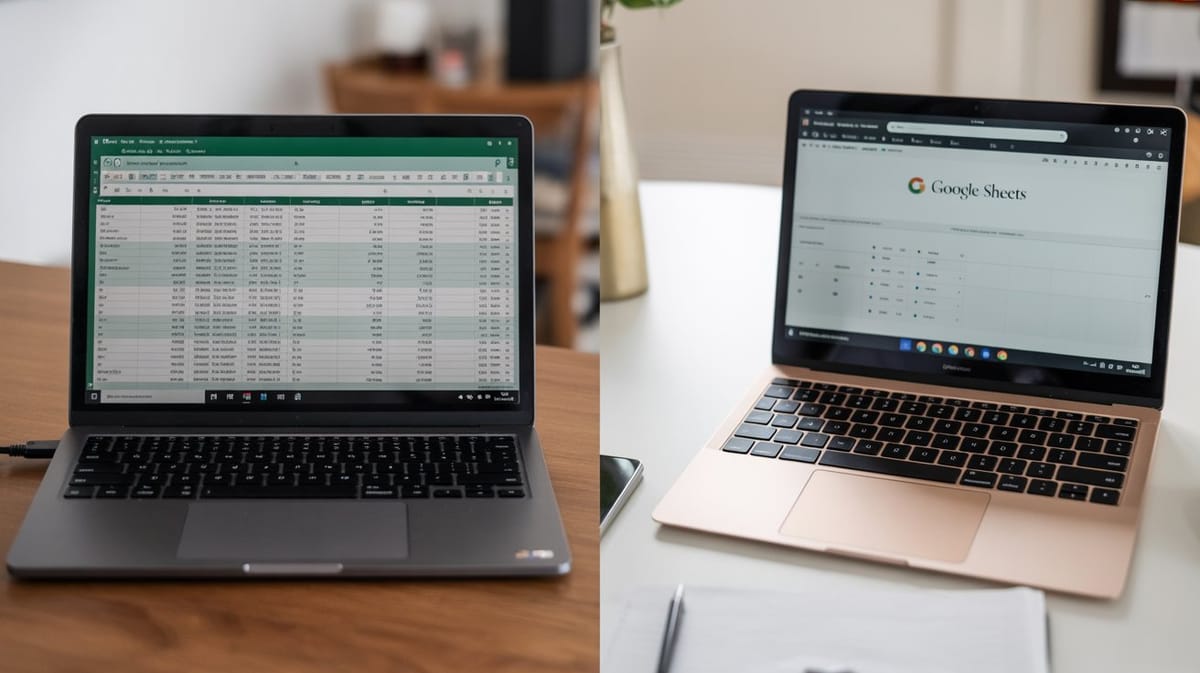
I get this question constantly: should I run my business finances in Excel or Google Sheets?
I've used both professionally for three decades. The honest answer is both work, but they win in different situations. Here's the breakdown.
Google Sheets wins on access. If you work from multiple devices — a laptop at home, a Chromebook at the coffee shop, your phone while waiting for a client — Sheets is the clear choice. Everything lives in the cloud. No emailing files to yourself. No version confusion. You open it, it's current.
Sheets also wins if you collaborate. If a bookkeeper or business partner needs to see your numbers, you share a link. They see the same data you do, in real time. Excel can do this through OneDrive, but it's clunkier and most small business owners aren't set up for it.
Excel wins on horsepower. If your spreadsheet has hundreds of formulas, conditional formatting rules, and multiple linked tabs, Excel handles it more smoothly. Sheets can lag on complex workbooks — especially when you're stacking SUMIFS across thousands of rows. (I wrote about why SUMIFS is the most important formula for small business last week — worth bookmarking if you missed it.)
For a freelancer tracking 50-100 transactions a month, you won't notice a performance difference. For someone running a product business with inventory, Excel's edge matters.
Excel also wins on formatting control. If your spreadsheet needs to look polished — because it's client-facing or you're printing reports — Excel gives you more precise control over layout, fonts, and print settings.
The hybrid approach. Here's what I actually recommend: build in Excel, use in Sheets. Excel is a better construction tool. Google Sheets is a better daily driver. Build your template with all the formulas and formatting in Excel, then upload it to Google Drive and open it with Sheets. You get the best of both worlds.
That's exactly how I designed the Freelancer Business Starter Kit ($39). The spreadsheet is built in Excel with 161 formulas, and the setup guide includes step-by-step instructions for uploading to Google Sheets. Works in both. Pick whichever fits your workflow.
And regardless of which app you choose, the system matters more than the tool. If you don't have a weekly expense tracking habit yet, here's the full system I recommend — 15 minutes every Friday is all it takes.
The real answer to "Excel or Sheets?" is: the one you'll actually open every Friday.
Until next Tuesday, Eban